
Mobile Tire Repair Service Benefits for St. Petersburg
November 25, 2025
Maximize Convenience with Torq Mobile Tire Services: A Step-by-Step Guide
November 26, 2025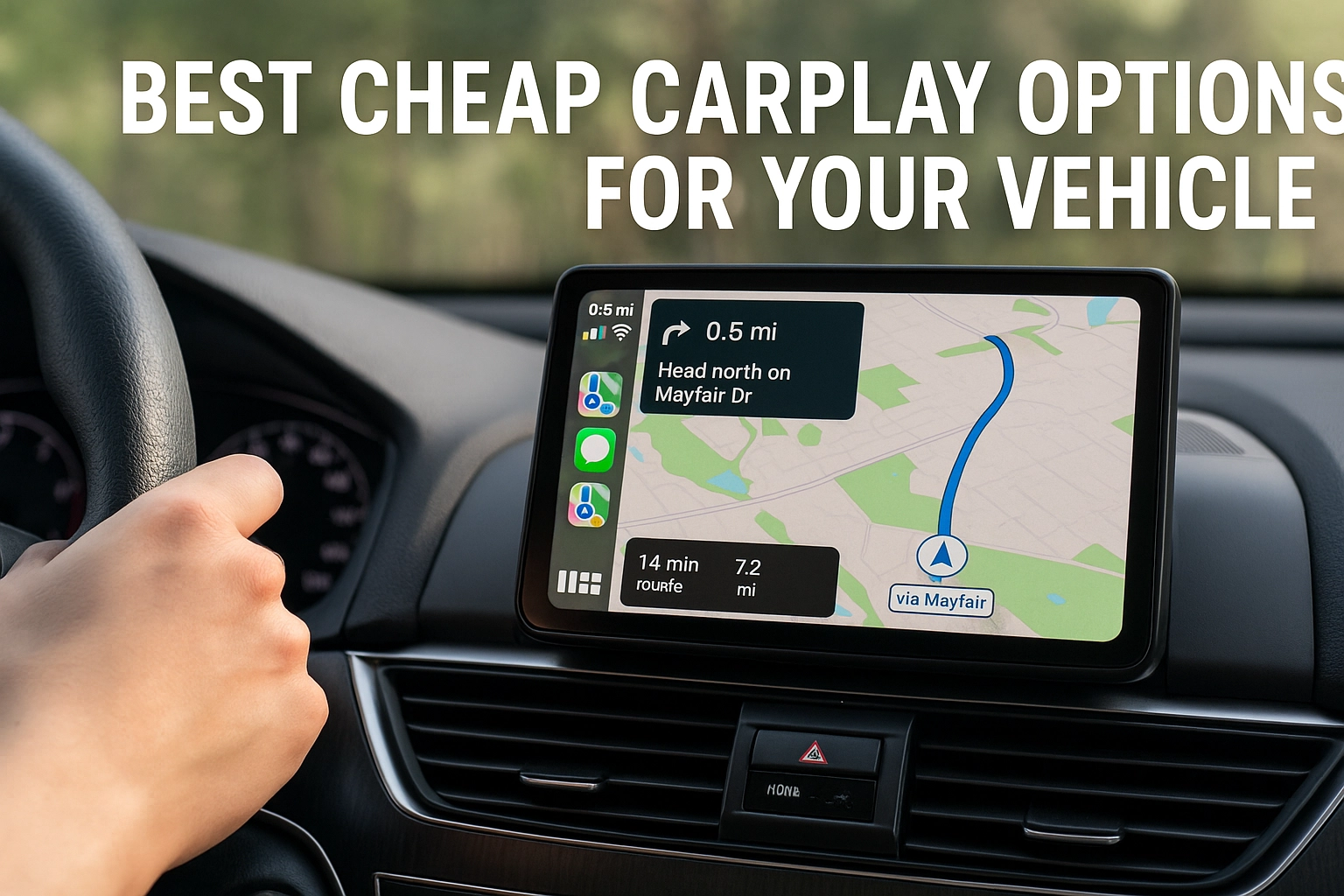
Tired of driving a smart phone with a dumb dash? The truth is, you do not need a brand-new car or a pricey install to get Apple’s ecosystem on your screen. With the right cheap carplay setup, you can stream music, navigate with Apple Maps, and talk to Siri without blowing your budget.
In this comparison, we will break down the best affordable routes to CarPlay. We will look at plug-and-play wireless adapters for factory systems, budget-friendly head units if your car needs a new screen, and portable CarPlay displays you can mount without tools. You will learn what matters most at this price, screen quality, microphone clarity, boot time, and connection reliability. We will cover wired versus wireless trade-offs, compatibility quirks with different iPhone versions, and hidden costs like install parts or better backup cameras. Expect clear picks for different budgets, under $50, $50 to $150, and $150 to $300, along with tips on firmware updates, steering wheel control support, and return policies. By the end, you will know exactly which option delivers the best value for your car and your daily commute.
What to Consider When Choosing CarPlay Solutions
Verify compatibility and pick your connection
Before grabbing a cheap CarPlay kit, make sure your vehicle can work with it. Many 2016 and newer cars support CarPlay, but trim and infotainment packages matter, and even within a brand there are exceptions documented in GM models with factory CarPlay. If your car lacks it, you have three paths, an aftermarket head unit, a portable dash-mounted screen, or an adapter that upgrades existing CarPlay. For connection type, wired CarPlay uses a USB cable, gives the most stable link, and keeps your iPhone charged, while wireless CarPlay pairs over Bluetooth then Wi‑Fi for a cable-free cabin but can draw more battery and occasionally drop. See this wired vs wireless CarPlay comparison for pros and cons. If you already have wired CarPlay, an adapter like the CarlinKit 3.0 wireless adapter can make it wireless on many 2015 to 2023 models with fast, stable pairing.
Budget and installation tradeoffs
Adapters sit at the low end. The CarlinKit 3.0 is listed around 49 dollars in the guide above, portable screens span true budget to premium with roughly a 200 dollar gap between popular picks, and full receivers start near 108 dollars and climb with features. Aftermarket head units can run 200 to 1,000 plus depending on screen size, built-in amps, and camera inputs. Installation adds cost if dash kits and wiring harnesses are needed, and some vehicles require professional programming to retain backup cameras. Portable displays like the Car and Driver Intellidash Pro X10 are well regarded overall, while the Capapro 7 inch is a standout budget pick. If you already have decent speakers, a budget head unit such as the BOSS Audio BE7ACP or a wired JVC KW-M595BT can be a smart compromise.
Safety and ease of use
Prioritize voice control with Siri, steering wheel control retention, bright anti-glare screens, and a mount that stays within your line of sight. Keep audio integrated with the factory system, for example the NEXPOW wireless screen is responsive, but its onboard speaker is weaker, so plan on AUX, FM, or Bluetooth audio. Favor plug-and-play gear with clear manuals and ongoing firmware updates to fix bugs and improve boot times. Commuters often prefer wireless for convenience, rideshare drivers like wired for guaranteed charging, and classic-car owners benefit most from portable displays. Ensure the mount does not block airbags or sightlines, and pick adhesive or suction cups rated for high heat. Practice your setup at home so calling navigation or roadside help, including local services like LP Mobile Tire in Tampa Bay, is quick and distraction free.
Top Portable CarPlay Screens
Best budget pick: Capapro 7 inch HD Portable CarPlay
If you want cheap CarPlay that still feels modern, the Capapro 7 inch HD Portable CarPlay is a standout. Priced around 47.99 dollars, it undercuts many rivals by more than 200 dollars while packing essentials like wireless Apple CarPlay and Android Auto. Installation is tool free, the adhesive mount sticks to your dash, and the 90 degree adjustable screen dials in your viewing angle. Most users can go from box to driving in about three minutes, which makes it easy to move between a family SUV, a classic car, or a work truck. The 1024×600 screen supports Mirror Link for streaming, and audio can route through Bluetooth, AUX, FM transmitter, or the built in speaker. A 180 degree waterproof backup camera with night vision is included, a rare add at this price.
How it compares to other portable screens
Versus the NEXPOW Wireless CarPlay screen, which is praised for a crisp panel and responsive touch, the Capapro saves serious money but has narrower viewing angles and a weaker onboard speaker. Car and Driver’s Intellidash Pro X10 is often rated the best overall portable unit thanks to its larger display and polished UI, though it costs several hundred dollars more. In practice, expect a roughly 200 dollar gap between budget and premium picks, which may be better spent on tires or roadside essentials. If you grab the Capapro, plan to use AUX or Bluetooth to your factory speakers for clearer sound than the FM transmitter. The screen is serviceable for maps, but bright Florida sun can expose its limitations.
Who should buy what, and why it is cost effective
Capapro is ideal for leased vehicles, older cars that you do not want to modify, and small fleets that share tech across multiple drivers. Its plug and play design avoids shop time and hardwiring, and in dash CarPlay receivers start around 108 dollars before installation, so portability keeps total cost down. NEXPOW suits drivers who value a brighter display and do not mind spending more. Intellidash Pro X10 fits daily drivers who want a larger, premium screen. For Tampa Bay motorists who rely on LP Mobile Tire to keep them rolling, a portable screen adds modern navigation without tying up the vehicle in a stereo bay, which keeps you on schedule for the next job.
Aftermarket Head Units: An Affordable CarPlay Upgrade
Budget head units that start at $99
If you want cheap CarPlay without going the portable screen route, aftermarket head units now dip as low as $99 from lesser known brands, with mainstream models commonly landing between $108 and $250. That range covers wired CarPlay, 6.4 to 7 inch touchscreens, Bluetooth, and basic EQ. Popular value picks include the Pioneer DMH-1500NEX around $200, Sony XAV-AX100 near $250, and JVC’s wired-only KW-M595BT around the low $200s. Expect wired CarPlay at this price, which is perfectly fine for daily driving and avoids wireless latency. For Tampa Bay drivers juggling commutes and roadside needs, a budget head unit is a practical way to modernize your ride without overspending on premium features.
BOSS Audio BE7ACP, the standout under $200
The BOSS Audio BE7ACP is a top budget choice thanks to its 7 inch capacitive 1024×600 screen, wired CarPlay and Android Auto, Bluetooth, USB, a backup camera input, and a claimed 80 watts x 4 max power. Street prices tend to hover near $150, which makes its feature set hard to beat. You can check pricing and specs on the product page for the BOSS Audio BE7ACP at Walmart. Owners praise value and day to day usability in the Crutchfield customer reviews for BE7ACP, though a few note call echo when using CarPlay mic routing, a quirk some mitigate by calling over Bluetooth instead, which mirrors user reports about call echo. Versus Pioneer and Sony, the BE7ACP’s sound is clean with helpful EQ, though Sony’s amp and UI polish are a touch better. Display sharpness is solid for the price, but colors lean cool and brightness trails pricier screens.
Installation tips for older vehicles
Plan on a vehicle specific dash kit, wiring harness, and a steering wheel control adapter if you want to retain buttons. Confirm double DIN space and shallow chassis depth, then test fit before final mounting. Run the mic up the A pillar, keep power and ground short and solid, and tie the reverse lead to your backup light if adding a camera. If your car uses a factory amp or CAN bus, use the correct interface to avoid noise or warning lights. If timing is tight, schedule install pickup around other service needs, like LP Mobile Tire’s mobile tire or roadside appointments, so your car is back on the road faster.
Wireless Adapters for Seamless CarPlay Experience
Why go wireless on newer models
If your vehicle already has wired CarPlay, a wireless adapter is the simplest way to upgrade without replacing the factory screen. You keep your phone in your pocket, cut cable clutter, and CarPlay launches as soon as you start the car. Most adapters work with a broad range of factory-wired systems and iPhone models, so newer vehicles can gain modern convenience at a fraction of the cost of a head unit swap. You also retain factory mic quality and steering-wheel controls, which many portable screens cannot match. For a deeper look at how these adapters bridge wired systems to wireless, see this overview on compatibility and benefits from Do Wireless CarPlay Adapters Work?.
Compatibility and a quick setup
Installation is typically plug and play. Connect the adapter to your vehicle’s USB data port, pair over Bluetooth, then the adapter creates a secure Wi‑Fi link for CarPlay data. Always confirm your vehicle and iOS version on the vendor’s compatibility list, and plan for firmware updates to keep pace with iOS changes, as noted in Best CarPlay Wireless Adapters to Make Driving Safe. Compared with other cheap CarPlay routes, adapters are compelling. Portable screens are trending and convenient, but they add a second display, while aftermarket receivers start around $108 and can require dash work. Given the common $200 spread between budget and premium CarPlay options, adapters hit a sweet spot for cost, convenience, and factory integration.
Safer, cleaner driving, with local help
Wireless CarPlay leans into hands-free driving. Siri handles calls, texts, and music, while navigation delivers real-time traffic and turn alerts without reaching for your phone. Choose reputable adapters to avoid issues like overheating or signal interference that could hurt reliability, as highlighted in Are CarPlay Adapters Safe?. LP Mobile Tire, serving the Tampa Bay area, can recommend adapter models that pair well with popular Honda, Toyota, Ford, and GM systems, then install and test everything at your home, job site, or roadside. Our techs verify Bluetooth and Wi‑Fi stability, tidy up cabling, apply firmware updates, and walk you through best practices for a smooth, safe experience. Ready to go wireless? We can help you choose the right adapter and set it up in a single visit.
Best CarPlay Solutions Tailored to Your Needs
Match the right solution to your vehicle and setup
Start with your car’s baseline. If you are shopping new, many 2023 to 2025 models include factory CarPlay, like the Honda Civic and Toyota Corolla, both highlighted for value and easy integration in this roundup of budget cars with CarPlay best budget cars with Apple CarPlay. If you drive an older vehicle, portable displays and aftermarket receivers unlock cheap CarPlay without replacing the whole dash. Portable picks like the Car and Driver Intellidash Pro X10 excel for simplicity, while the NEXPOW Wireless CarPlay screen is praised for a clear, responsive panel. If your car has a double-DIN slot, a wired unit such as the JVC KW-M595BT keeps costs down and delivers stable performance.
Prioritize safety features that matter
Look for voice control that keeps your hands on the wheel and eyes forward. High-mounted portable screens reduce glance time compared with low factory screens, which helps on busy Tampa Bay routes. Some all-in-one units add a built-in 4K dashcam for incident recording, like the InCarify model featured here best CarPlay screens of 2025. ADAS integrations, where available, add lane and collision alerts for an extra layer of confidence. For wireless CarPlay, prioritize 5 GHz connectivity, it typically cuts lag that can tempt you to look back at your phone.
Balance cost and features for real value
Receivers can start around $108, which makes a budget head unit compelling if you want integrated audio and backup camera support. Portable screens often range higher, but they avoid dash surgery and can move between vehicles. Expect about a $200 spread between budget and premium options, so weigh must-haves like wireless CarPlay, brighter IPS displays, and better microphones. BOSS Audio’s BE7ACP is a strong budget stereo, while premium portables justify extra cost with faster boot times and better touch accuracy.
Let LP Mobile Tire make it easy
LP Mobile Tire can recommend the best route for your vehicle, then handle mounting, clean power routing, and audio hookup on-site. We can also coordinate complex double-DIN installs with trusted partners, then return to finalize and test. Ask us to compare AUX versus FM audio paths for clearer sound and to update firmware for stability. Book a visit alongside your tire service to leave with safer, smarter, and truly cheap CarPlay.
Enhance Your Drive with Affordable CarPlay Solutions
Affordable CarPlay does not mean compromise. Portable displays and entry-level head units bring voice-guided maps, safer calling, and music control to almost any vehicle, including classics. Many receivers now start around $108, and portable screens commonly run $100 to $400, so you can modernize without buying a new car. In third-party tests, the Car and Driver Intellidash Pro X10 is often cited as a top portable pick for clarity and responsiveness, while the NEXPOW wireless screen delivers a crisp image but works best when you route audio through your car speakers instead of its built-in driver. If you prefer a fixed solution, the BOSS Audio BE7ACP is a standout budget stereo, and value wired units like the JVC KW-M595BT keep costs down with reliable CarPlay over USB.
When you compare cheap CarPlay paths, weigh safety, ease, and total cost. Portable screens install quickly and suit leased or older cars, although they may rely on FM or aux for audio and can add windshield clutter. Full head units integrate with factory speakers and steering wheel controls for better ergonomics, yet require dash disassembly and professional install time. Already have wired CarPlay? A wireless adapter adds pocket-friendly convenience and often saves roughly $200 compared with swapping hardware. For Tampa Bay drivers, consult local pros like LP Mobile Tire to plan safe power placement, avoid blocking airbags, and pair the upgrade with on-site tire checks before a road trip. Make the move today to a more connected, safer drive that fits your budget.
Conclusion
You do not need a new car to get a smart, seamless CarPlay experience. The best budget paths are clear, wireless adapters for factory systems, full head units if you need a new screen, and portable displays for zero tools. Focus on what matters at this price, screen quality, microphone clarity, boot time, and reliable connections. Weigh wired for stability and speed against wireless for convenience. Watch compatibility, iPhone versions, steering wheel controls, and hidden costs like install kits and cameras. Our picks by tier, under $50, $50 to $150, and $150 to $300, plus firmware and setup tips, remove the guesswork.
Next steps, choose your budget, confirm compatibility, order with a solid return window, update firmware, and install. Upgrade your daily drive this week and enjoy smarter, safer trips.